Allentown Elementary School Kindergarten Bridges Program
Program Schedule & Details
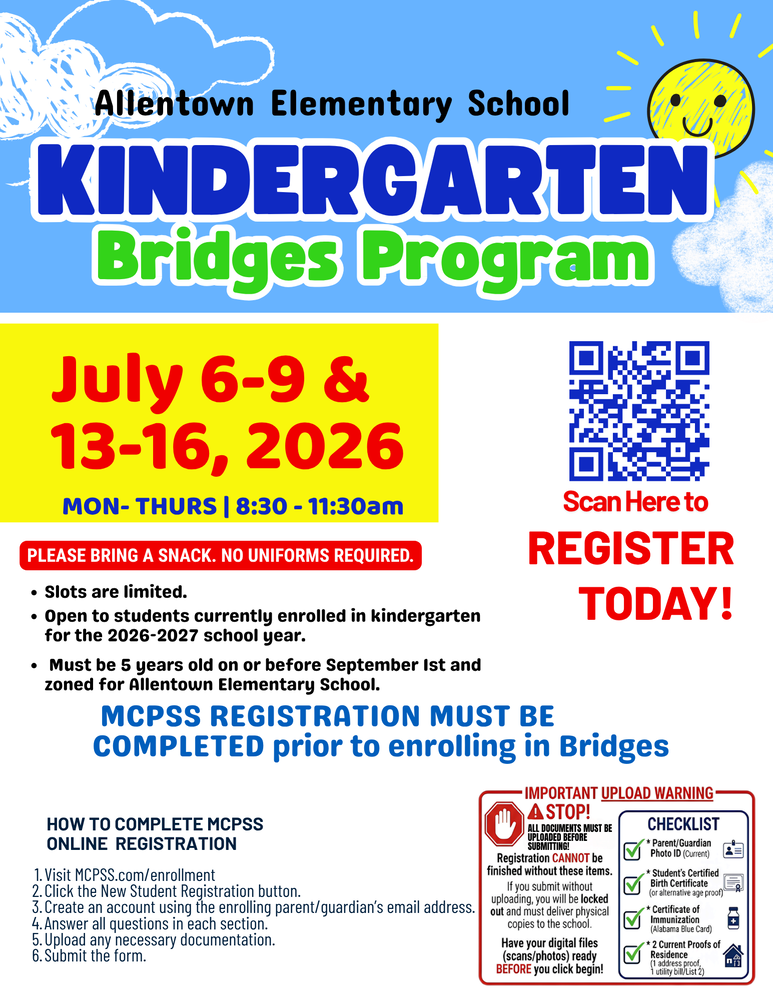
Program Dates: July 6–9 & July 13–16, 2026
Days & Hours: Monday through Thursday, 8:30 AM to 11:30 AM
Notes: Slots are limited. Uniforms are not required. Please ensure your child brings a snack each day.
Eligibility Criteria
The student must be currently enrolled in kindergarten for the 2026–2027 school year.
The student must be 5 years old on or before September 1st and must be zoned for Allentown Elementary School.
Step 1: Complete MCPSS Online Registration
Notice: MCPSS District Registration must be fully completed prior to enrolling your student in the Bridges Program.
Online Registration Steps:
Go to MCPSS.com/enrollment.
Select the New Student Registration button.
Establish a new account using the enrolling parent or guardian’s email address.
Answer all required questionnaire sections.
Upload all necessary documentation (see critical warning and checklist below).
Submit the completed online form.
🛑 Critical Document Upload Warning
Stop! All required documents must be uploaded online before you click submit. If you submit the form without uploading these digital files, your registration will be locked out, and you will be required to manually deliver physical copies to the school. Please have your digital scans or photos ready before beginning.
Required Document Checklist:
Parent/Guardian Photo ID (Must be current)
Student's Certified Birth Certificate (or verified alternative proof of age)
Certificate of Immunization (Alabama Blue Card)
Two (2) Current Proofs of Residence (Consisting of 1 address proof and 1 utility bill from List 2)
Step 2: Register for Bridges
Once your district registration is secure, scan the QR code located on the official program flyer to access the final Kindergarten Bridges enrollment form.